Starting a stopped application
If you configured your application to stop automatically:
environments:
  staging:
    stop:
      cron: "0 18 * * ? *"
you can start it manually using DevOpsBox CLI or a CodeBuild "Build project".
DevOpsBox CLI
Using DevOpsBox CLI to start your application is as simple as:
devopsbox start devopsbox-io/example-backend-app --environment dev
You need DevOpsBox CLI installed and configured before.
CodeBuild
You can use CodeBuild to start you application:
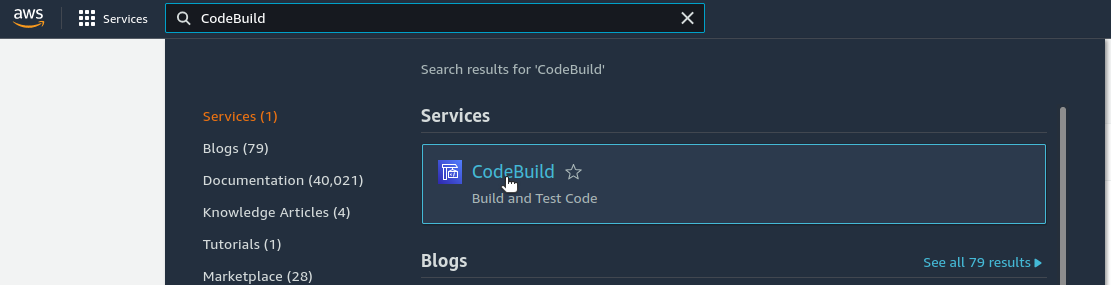
- First you have to find and select the CodeBuild service in the AWS console:
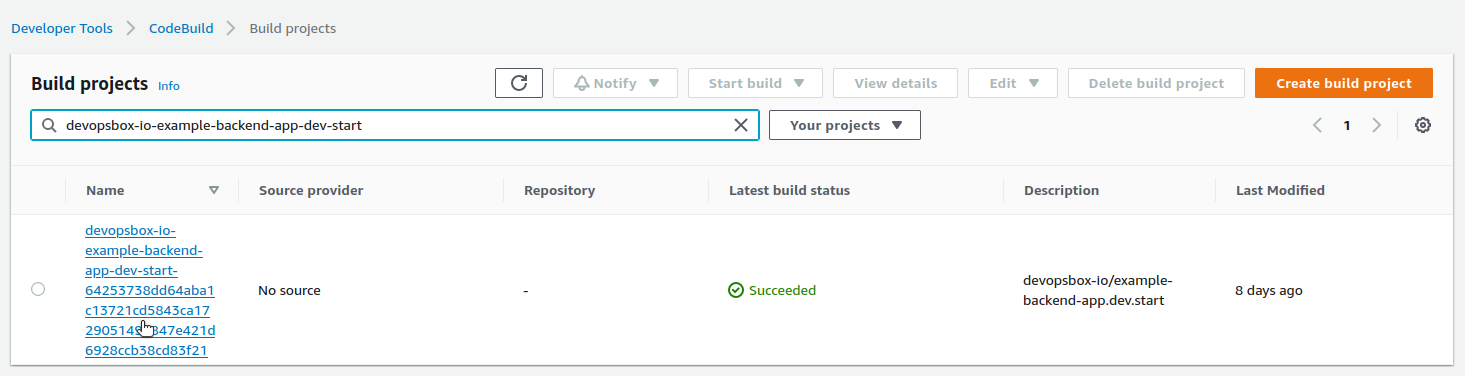
- Then you have to find and select an appropriate "Build project". The name starts with your application's name (
e.g.
devopsbox-io-example-backend-app) and environment name (e.g.dev) followed by "start", all the.and/characters replaced are with-:
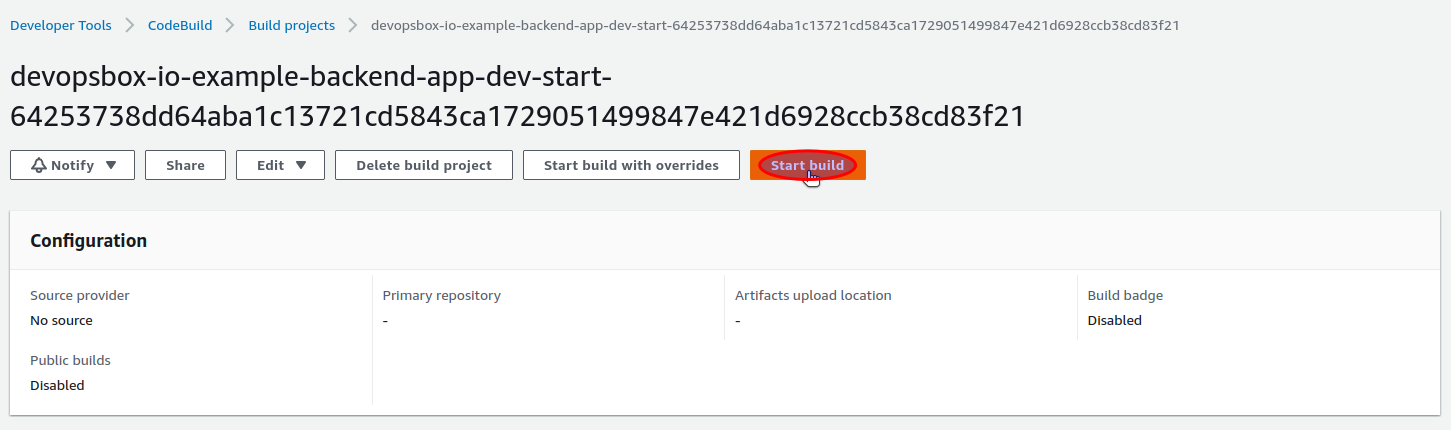
- Then you have to click the "Start build" button:
- And wait...