Aurora
One of the supported backing services is Aurora in its serverless v1 edition. It can be created by adding the following lines to your box.yaml:
backing_services:
  aurora: { }
Viewing
You can view monitoring metrics in the AWS console. There are several places where you can find them. The most important are:
RDS monitoring view
You can view some monitoring metrics in the AWS RDS console. To show them you have to open the Monitoring view:
- Find and select the RDS console:
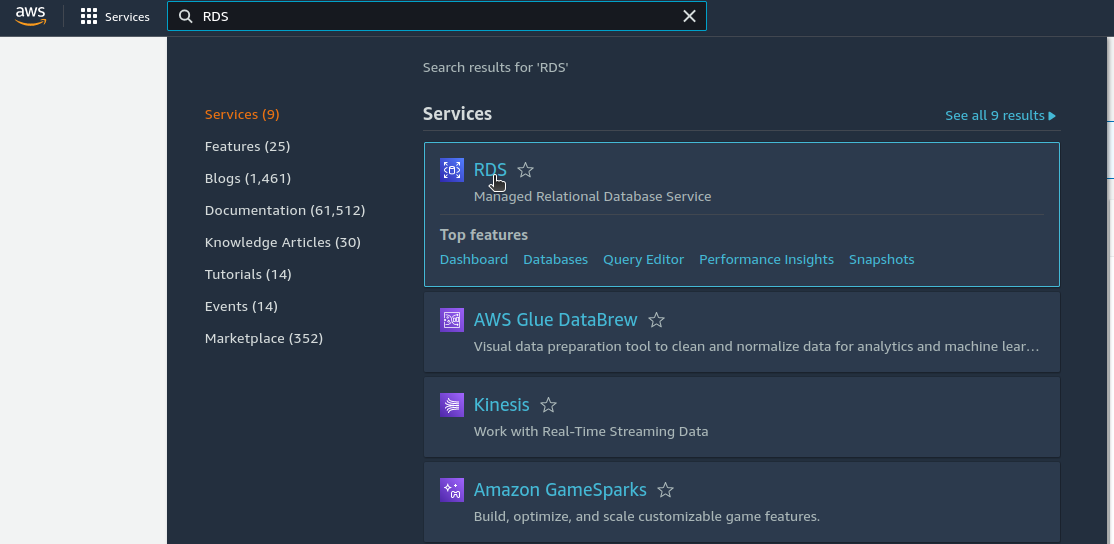
- Open the
Databasesmenu item:
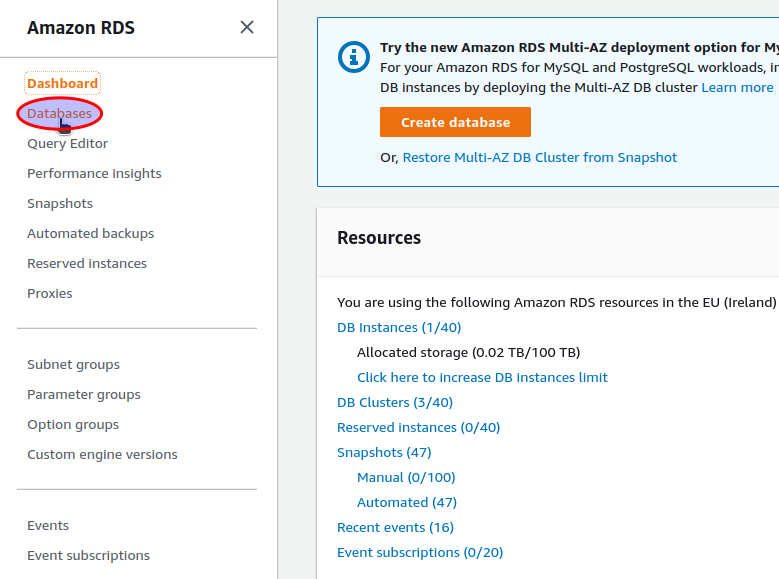
- Select your Aurora cluster. The naming convention is
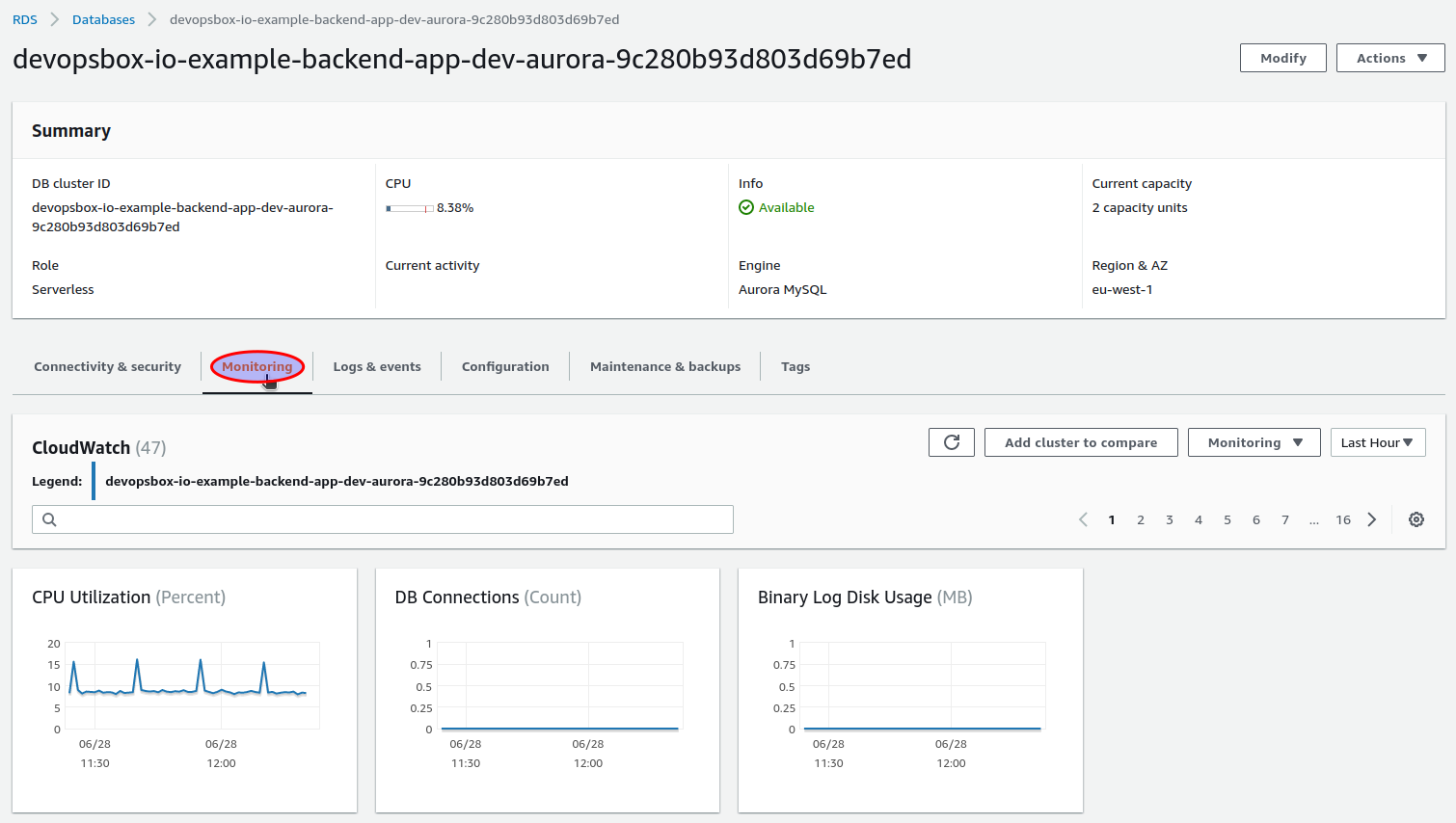
APP_NAME-ENVIRONMENT-BACKING_SERVICE_KEY-HASH, all the.and/characters are replaced with-(e.g.devopsbox-io-example-backend-app-dev-aurora-9c280b93d803d69b7ed):

- Metrics are available in the
Monitoringtab:
CloudWatch
To access Aurora metrics in the CloudWatch console, first you have to obtain the Aurora cluster identifier (check "
Select your Aurora cluster" in RDS monitoring view). An example of a cluster identifier
is devopsbox-io-example-backend-app-dev-aurora-9c280b93d803d69b7ed.
Monitoring metrics can be accessed in the AWS CloudWatch console. To show them you have to open the All metrics view:
- Find and select the CloudWatch console:
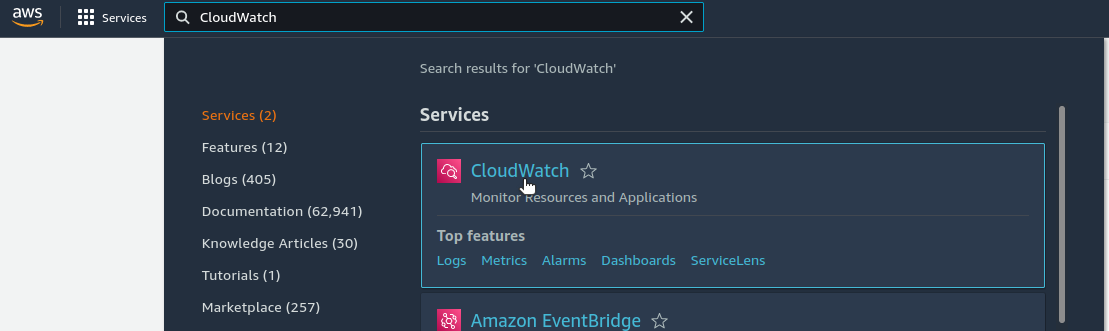
- Select the
All metricsview:
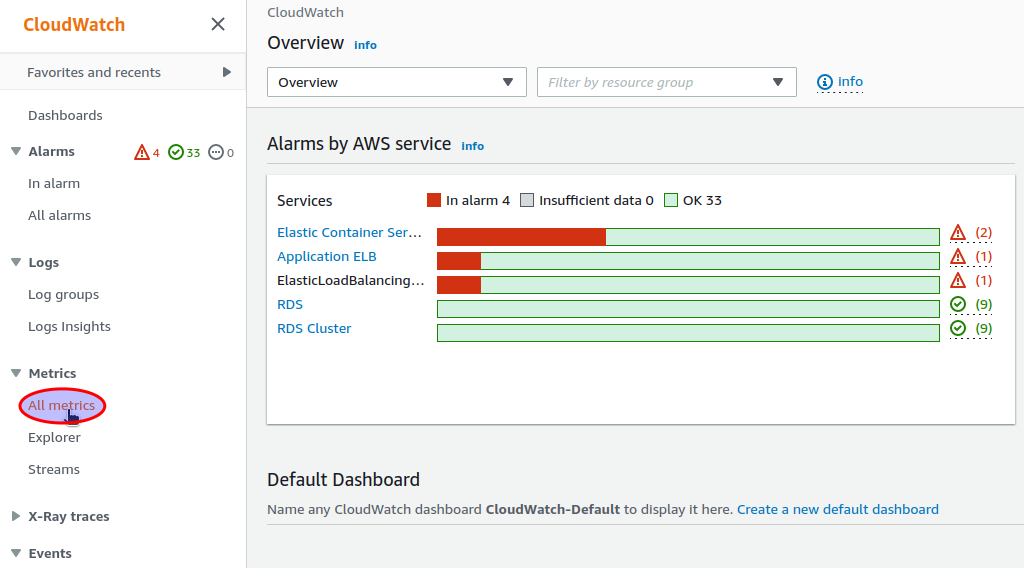
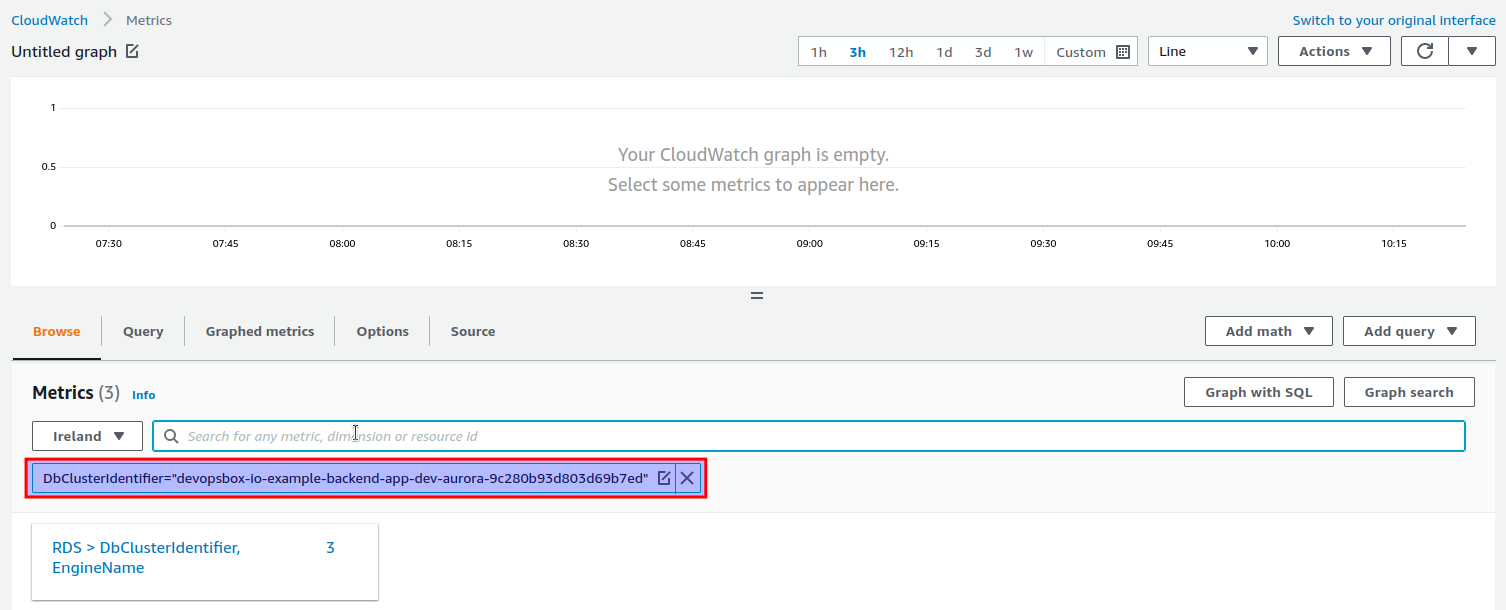
Then you can show all metrics related to your Aurora cluster by
entering DbClusterIdentifier="YOUR_CLUSTER_IDENTIFIER" (
e.g. DbClusterIdentifier="devopsbox-io-example-backend-app-dev-aurora-9c280b93d803d69b7ed"):
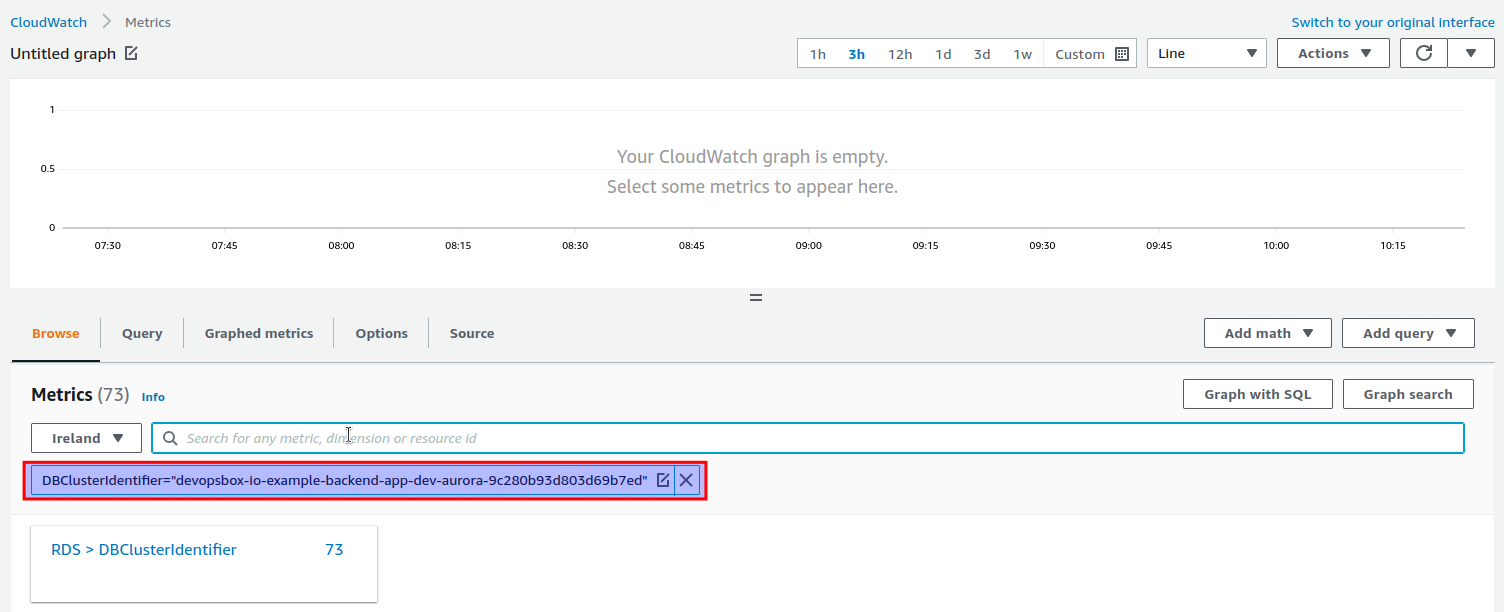
or DBClusterIdentifier="YOUR_CLUSTER_IDENTIFIER" (
e.g. DBClusterIdentifier="devopsbox-io-example-backend-app-dev-aurora-9c280b93d803d69b7ed"):
Notifications
There are multiple CloudWatch alarms created for your Aurora cluster, all of them are sending notifications to an SNS
topic. There is a single SNS topic created for each ECS cluster, where your application has been deployed, for
example box-nonprod-monitoring-notification
and box-prod-monitoring-notification.
You can subscribe to an SNS topic - there are multiple options, one of them is Slack via AWS Chatbot.
Alarms
Following alarms are created for each Aurora cluster:
APP_NAME.ENVIRONMENT.BACKING_SERVICE_KEY.Deadlocks( e.g.devopsbox-io/example-backend-app.staging.aurora.Deadlocks) - sends a notification when there was at least one deadlock over the last 5 minutes.APP_NAME.ENVIRONMENT.BACKING_SERVICE_KEY.MaximumServerlessDatabaseCapacity( e.g.devopsbox-io/example-backend-app.staging.aurora.MaximumServerlessDatabaseCapacity) - sends a notification when the cluster reached the maximum serverless database capacity.APP_NAME.ENVIRONMENT.BACKING_SERVICE_KEY.LoginFailures( e.g.devopsbox-io/example-backend-app.staging.aurora.LoginFailures) - sends a notification when there were any login failures.